Application forms ask for three things again and again: a file under some KB limit, a photo of an exact print size at a given DPI, and a copy of an ID card on one A4 page. A tool can say it did the job; the form checks the file. So we gave nine free online tools the same files for these jobs, ran each job once, and measured what came out. LensUp is our tool. Two things were wrong with it when we started: its KB targets counted 1024-byte KB, and its ID card copy from photos went out at the wrong size in one click. We changed both, the KB targets before publishing and the corner editor after; the tables show what that fixed and what it did not.
The test
- Target KB: compress a photo and a five-page scanned PDF to at most 100, 200 and 500 KB, and enlarge a small photo to at least 20 and 50 KB (some portals set a minimum).
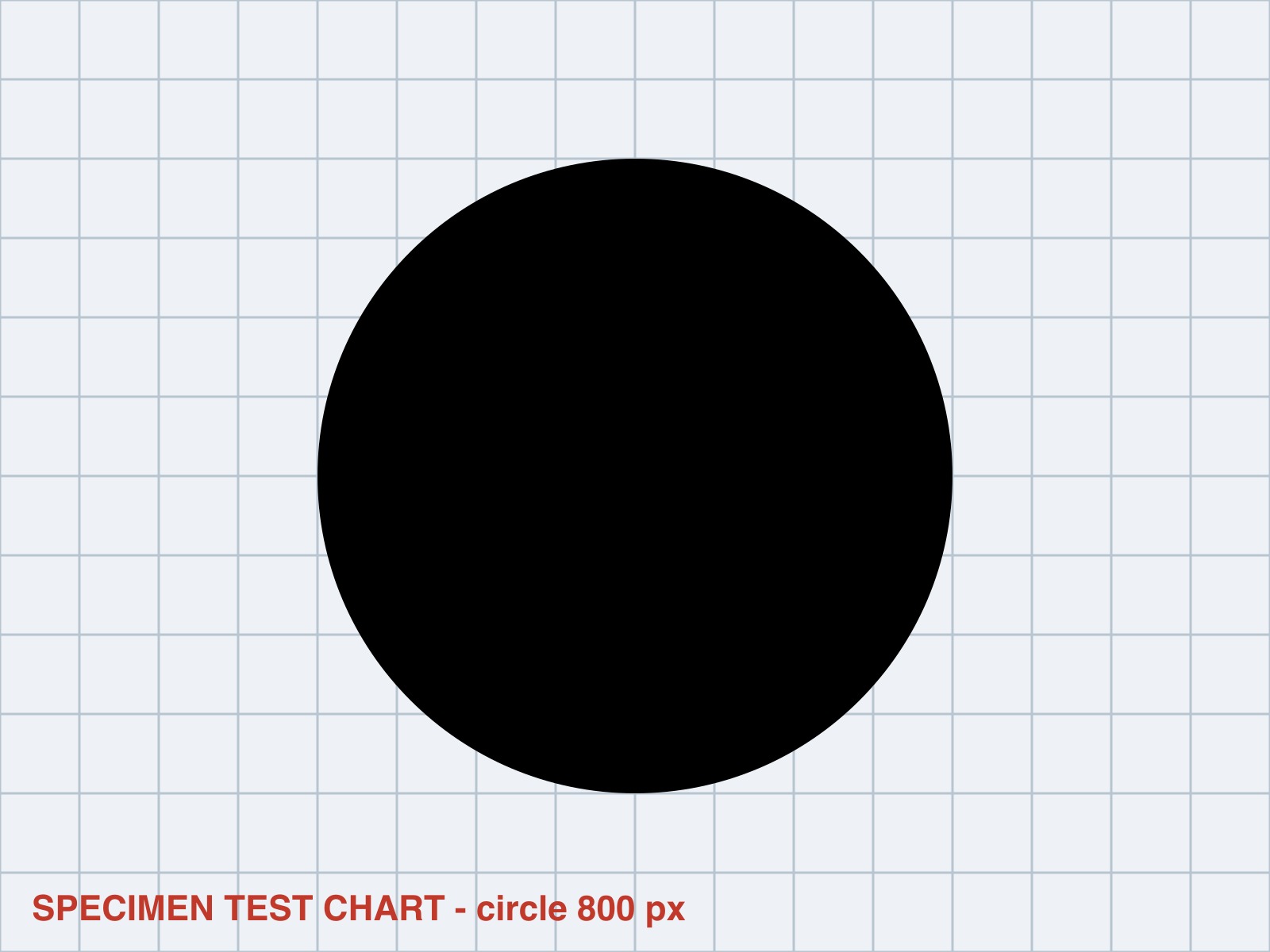
- cm + DPI: resize a chart to 3.5 × 4.5 cm at 300 DPI. The chart has a circle in it: a stretched picture turns it into an oval.
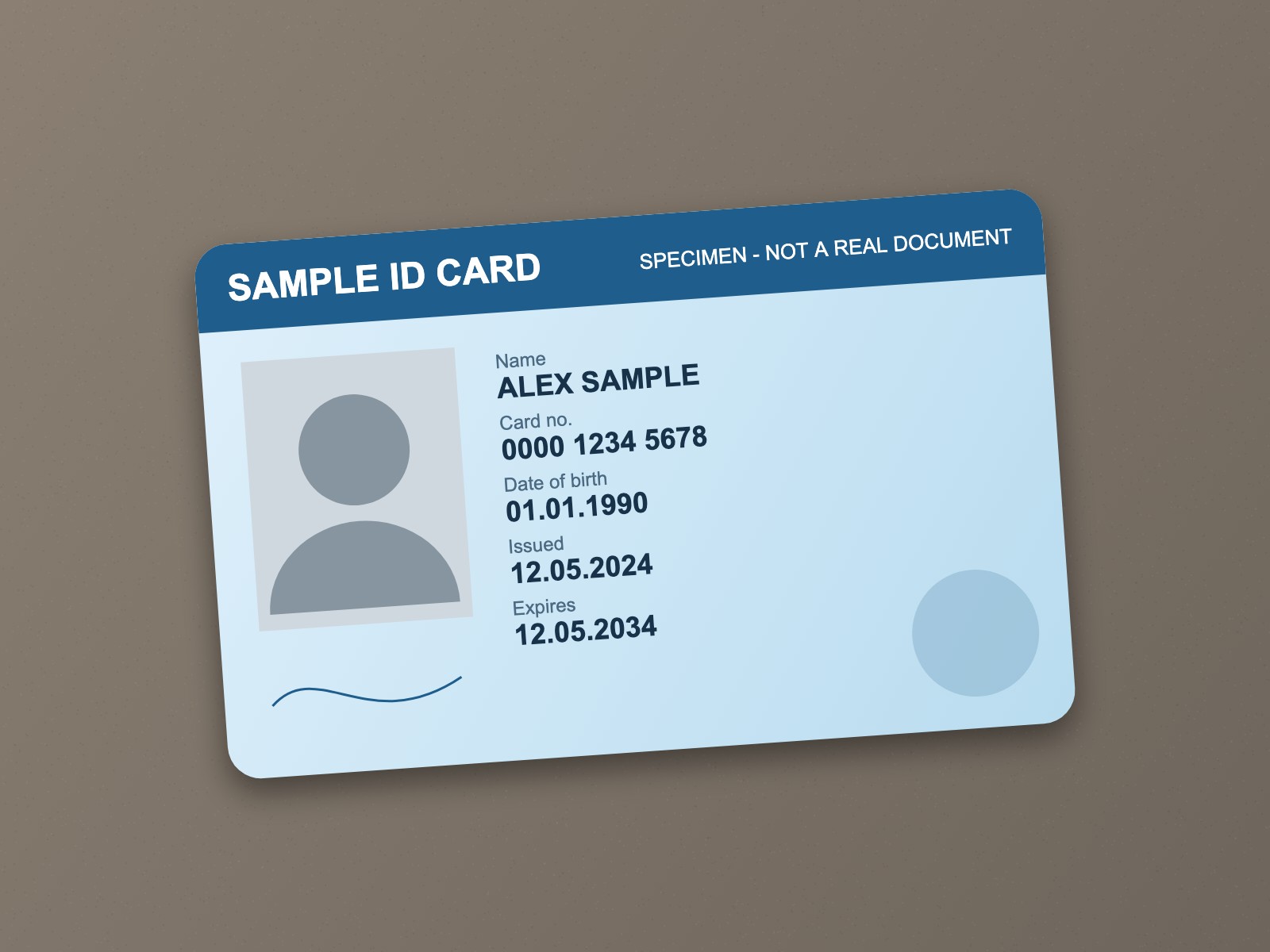
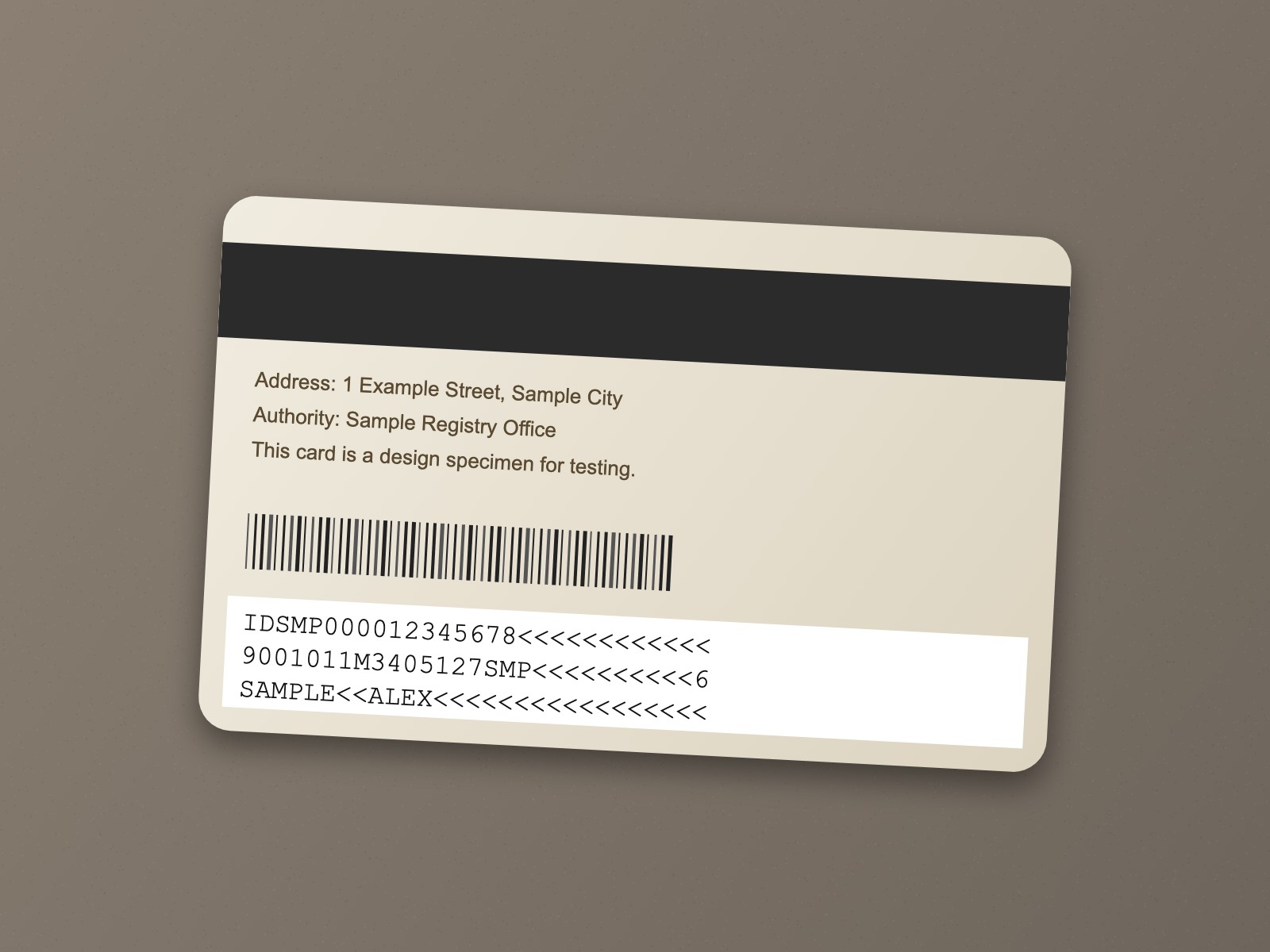
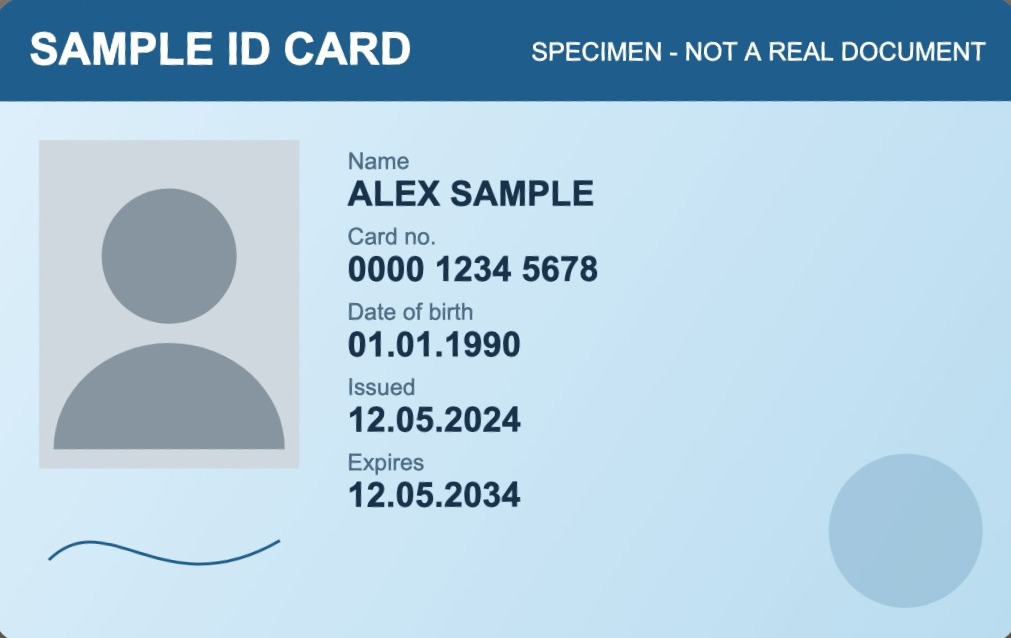
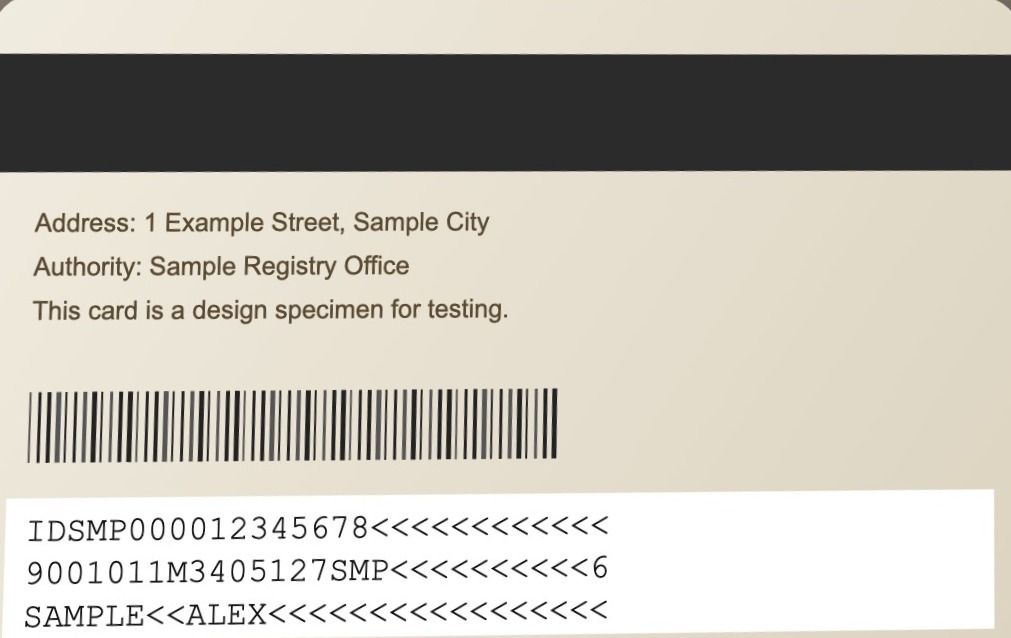
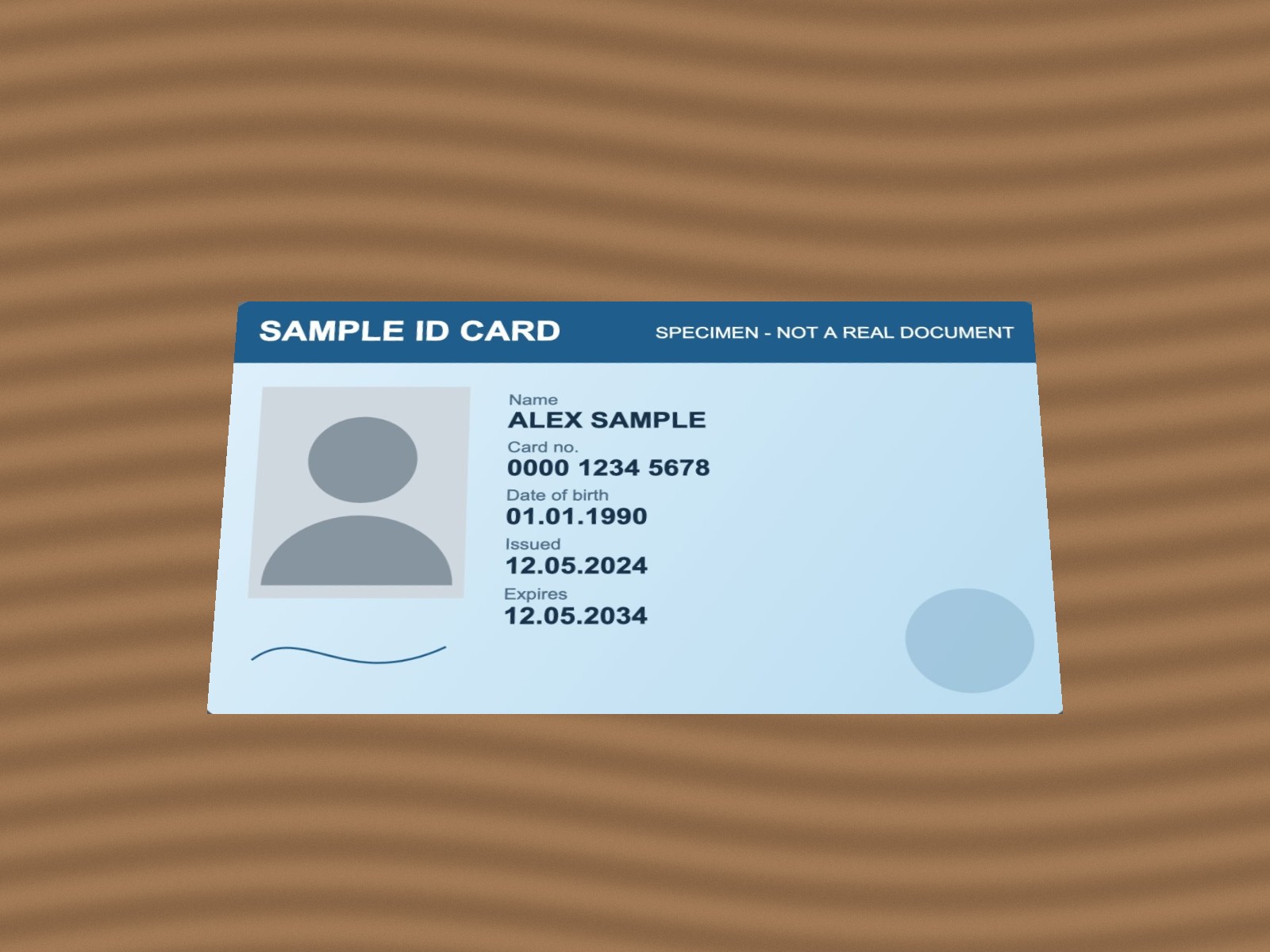
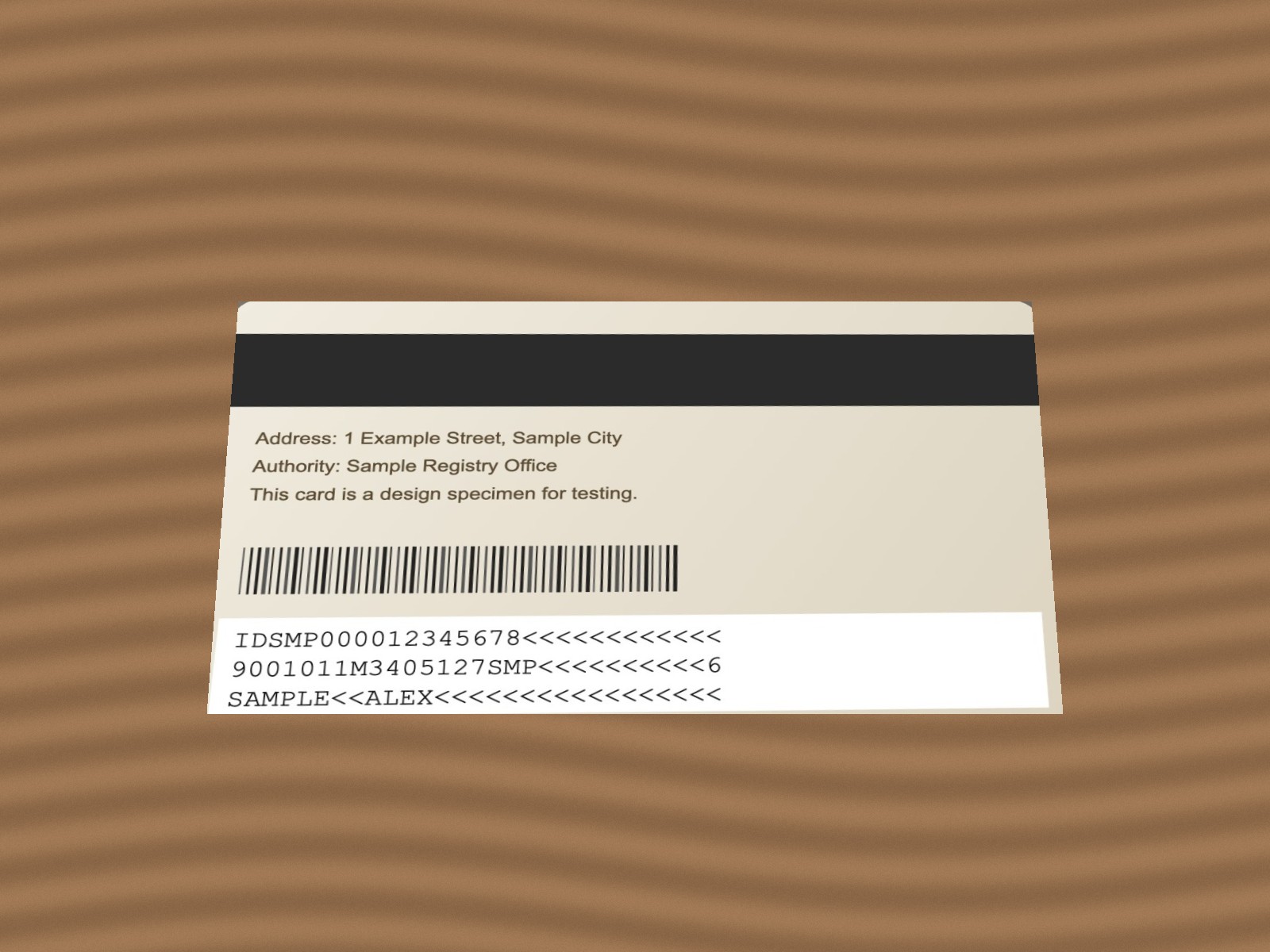
- ID card on A4: both sides of an ID card on one A4 page at actual size. A standard ID card (ID-1) is 85.60 × 53.98 mm.
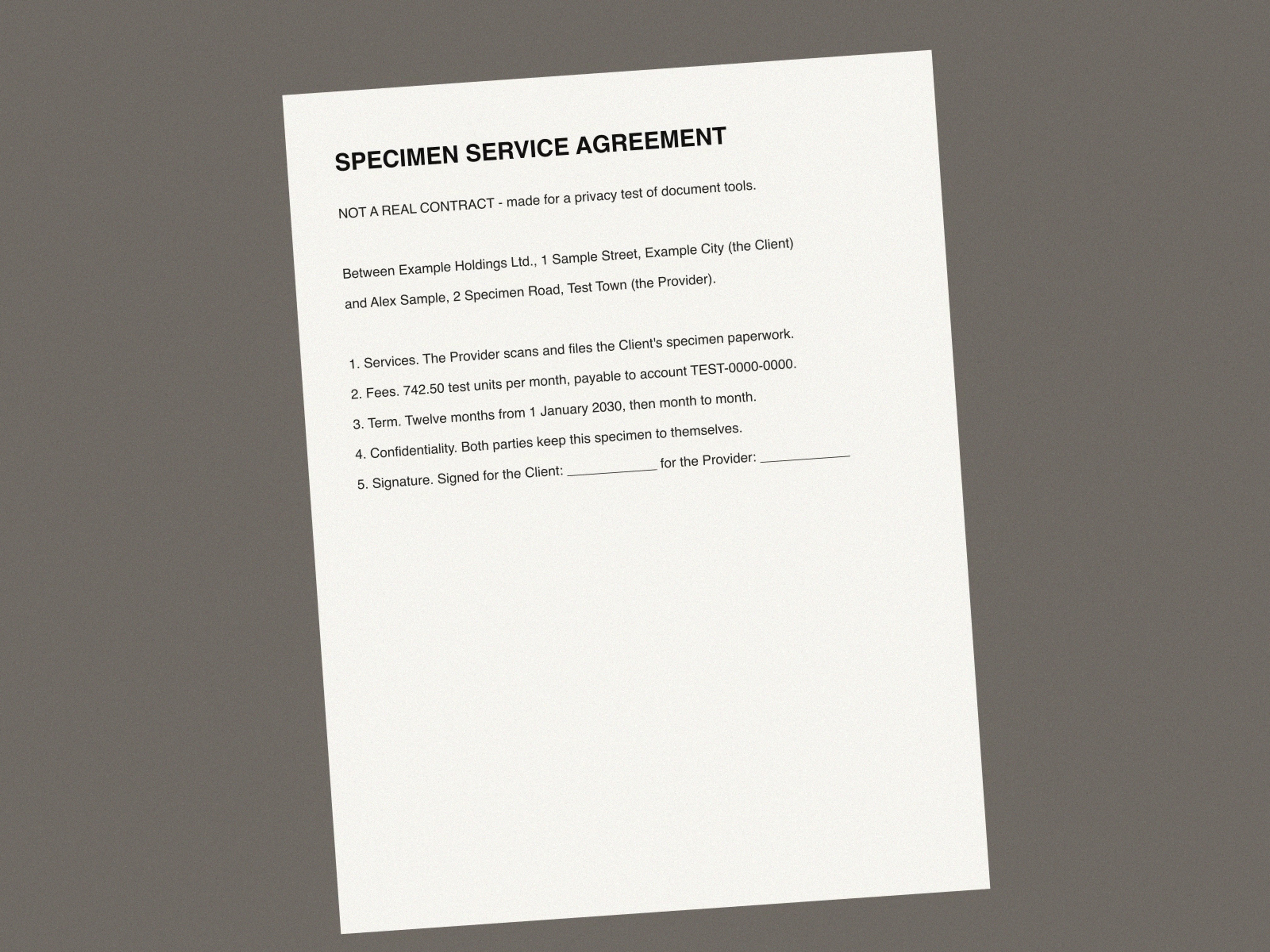
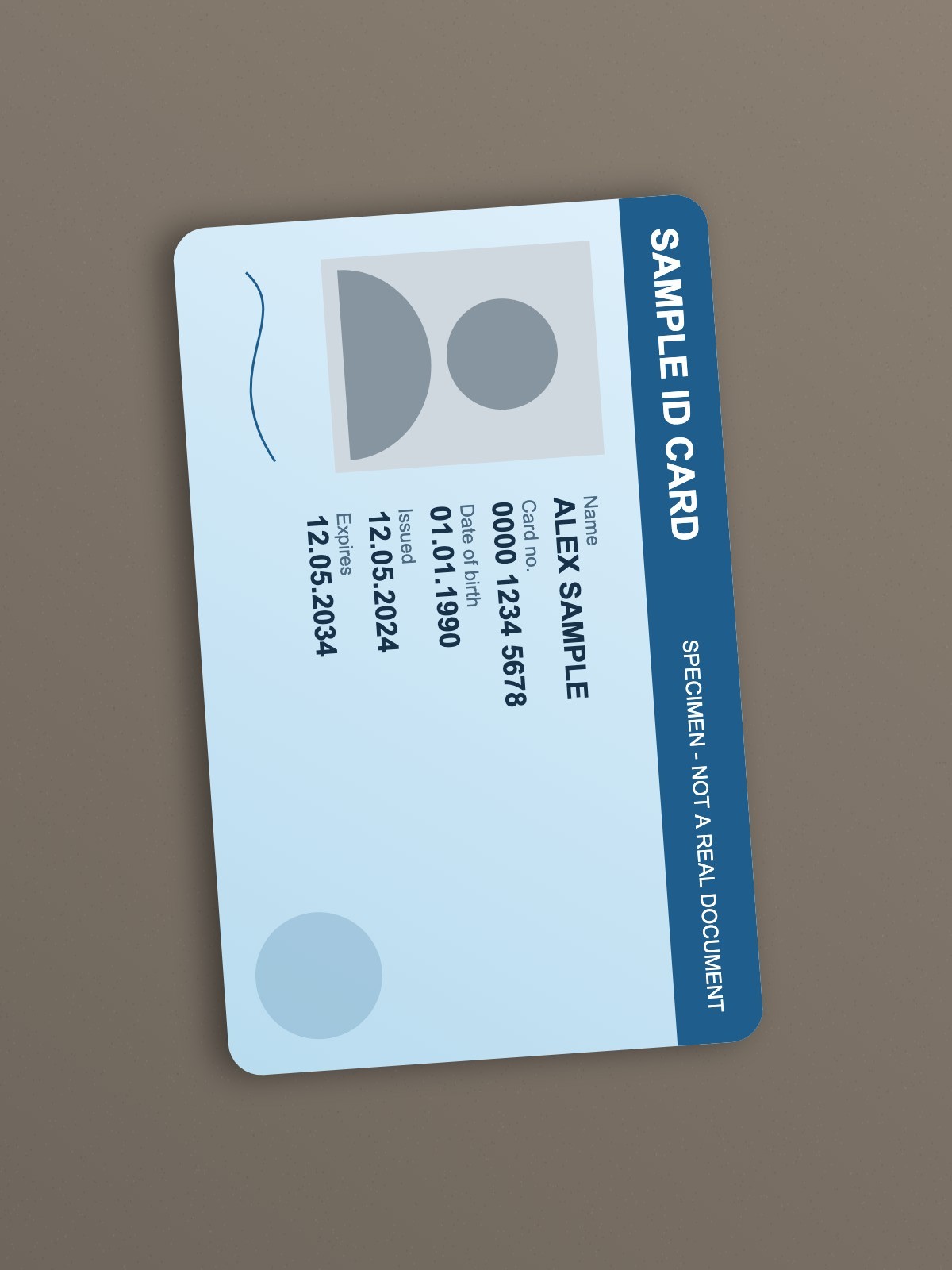
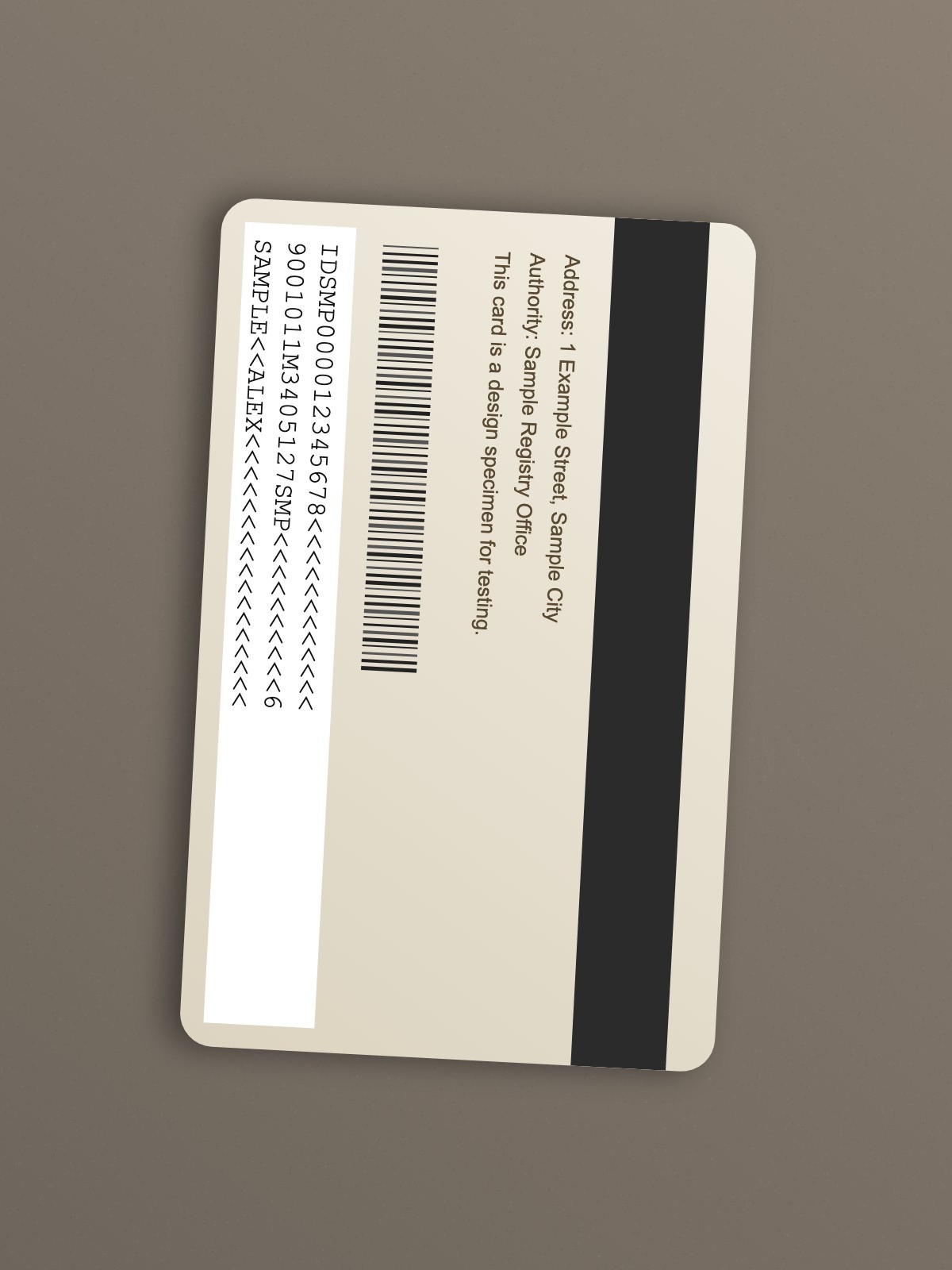
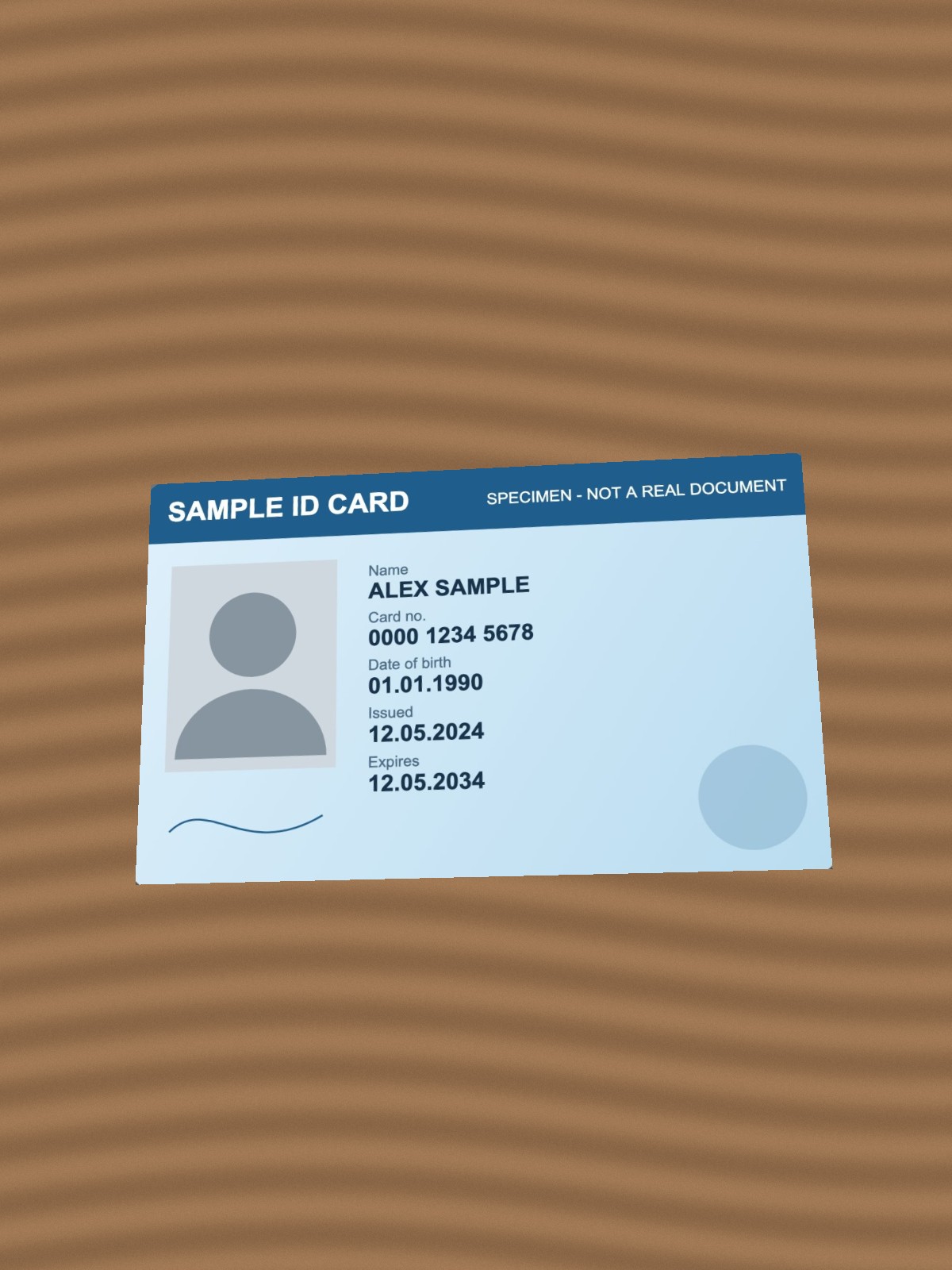
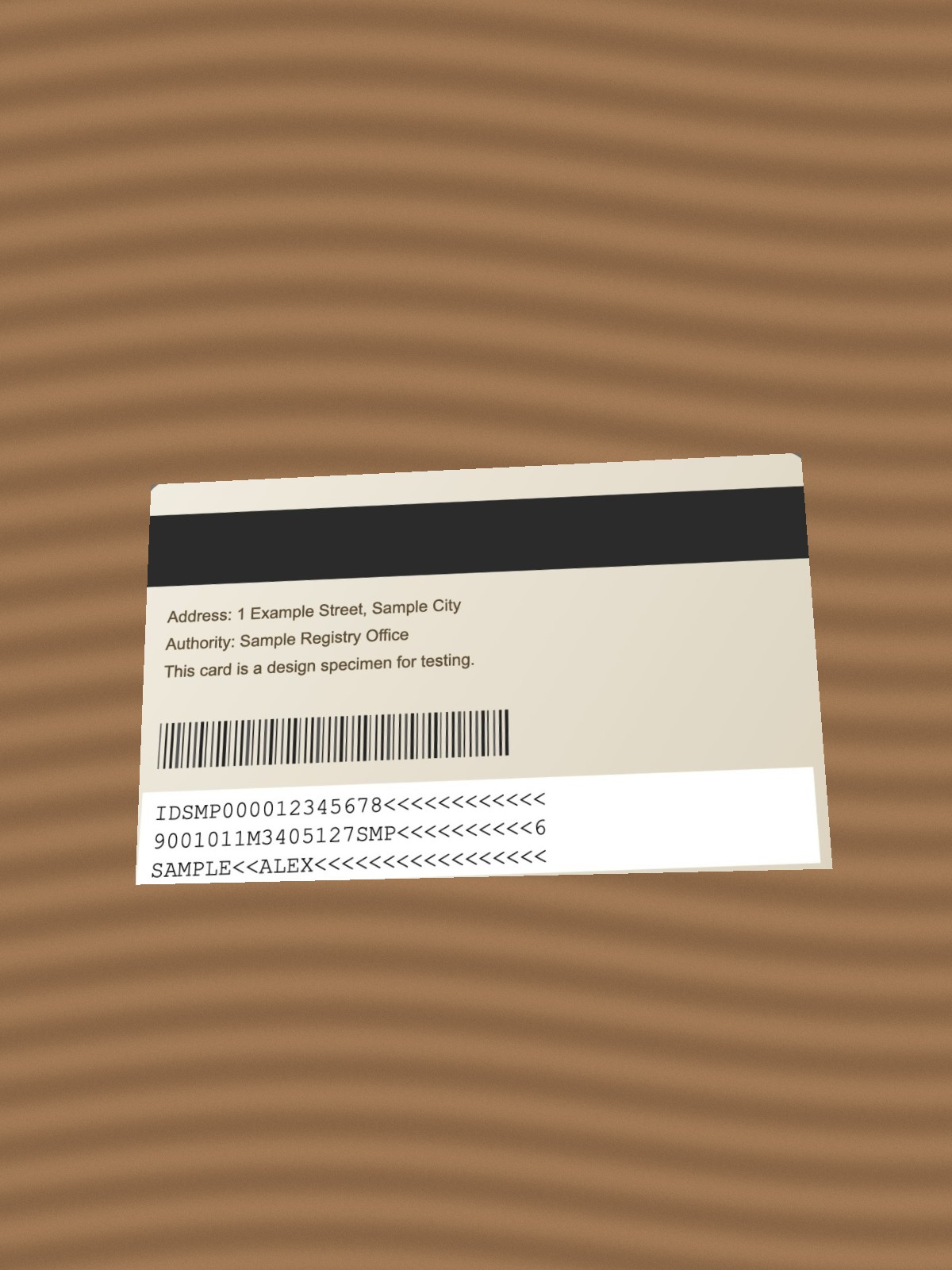
Every sample was made for the test, and you can download them below: a generated photo, a generated scan, the chart, and a specimen ID card printed «SPECIMEN - NOT A REAL DOCUMENT», photographed at an angle on a table and also flat-scanned, plus versions of the card standing upright, at a steep angle and inside a portrait photo.
The tools: LensUp and eight others found in the search results for these jobs — 11zon, iLovePDF, Smallpdf, ipdflove, photokbconverter, IMGonline, Simple Image Resizer and eface. Each ran only the jobs it offers. Two more were left out because of their terms: one forbids using it to build a competing site, the other allows non-commercial use only.
How we ran them: Chromium on a desktop, no account, one run per job, each tool asked its own way — a KB box where it has one, its defaults otherwise, left as a visitor would leave them. Every click and choice counts as a step, except declining a cookie banner. In LensUp’s runs analytics and ad requests were blocked; on the other sites tracker scripts were allowed to load (some pages need them to work) and their other requests blocked, and cookie banners were declined. Then a script measured each file: its bytes, its pixels, the DPI written into it, the circle’s width ÷ height, and where the cards sit on the PDF page in millimetres. We also looked at each ID page.
Target KB
Forms rarely say whether 1 KB is 1000 bytes or 1024, so every file is checked both ways. Under a maximum, a file within 1000-byte KB passes either reading; over a minimum, a file past 1024-byte KB does.
| Task | Tool | File | Within: 1 KB = 1000 B / 1024 B | Steps | Notes |
|---|---|---|---|---|---|
| Photo, 2.4 MB → ≤ 100 KB | LensUp | 94,088 B | yes / yes | 2 | |
| Photo, 2.4 MB → ≤ 200 KB | LensUp | 197,059 B | yes / yes | 2 | |
| Photo, 2.4 MB → ≤ 500 KB | LensUp | 451,097 B | yes / yes | 4 | |
| 5-page scan, 4.8 MB → ≤ 100 KB | LensUp | 99,708 B | yes / yes | 2 | page images 510 × 721 px |
| 5-page scan, 4.8 MB → ≤ 200 KB | LensUp | 199,223 B | yes / yes | 2 | page images 796 × 1126 px |
| 5-page scan, 4.8 MB → ≤ 200 KB | 11zon | 152,648 B | yes / yes | 3 | a 200 KB page; page images 794 × 1122 px |
| 5-page scan, 4.8 MB → ≤ 200 KB | iLovePDF | 305,837 B | no / no | 3 | no KB target; its default level; page images 1240 × 1754 px |
| 5-page scan, 4.8 MB → ≤ 200 KB | Smallpdf | 259,214 B | no / no | 3 | no KB target; its default level; page images 1075 × 1520 px |
| 5-page scan, 4.8 MB → ≤ 500 KB | LensUp | 498,007 B | yes / yes | 2 | page images 1556 × 2200 px |
| Small photo, 5.6 KB → ≥ 20 KB | LensUp | 26,474 B | yes / yes | 4 | |
| Small photo, 5.6 KB → ≥ 20 KB | ipdflove | 20,480 B | yes / yes | 3 | |
| Small photo, 5.6 KB → ≥ 50 KB | LensUp | 51,833 B | yes / yes | 3 | |
| Small photo, 5.6 KB → ≥ 50 KB | ipdflove | 51,200 B | yes / yes | 3 | |
| Small photo, 5.6 KB → about 20 KB | photokbconverter | 19,071 B | no minimum offered | 3 | its increase page was not found; a «photo to 20 KB» page, no minimum |
| Small photo, 5.6 KB → about 50 KB | photokbconverter | 49,711 B | no minimum offered | 3 | its increase page was not found; a «photo to 50 KB» page, no minimum |
LensUp, 11zon and ipdflove landed within the target every time they were asked. iLovePDF and Smallpdf do not take a KB number: their default compression left this PDF above 200 KB, and you would try again at a stronger level. photokbconverter’s increase page was not found on the day; its «photo to 20 KB» and «50 KB» pages make a photo of about that size with no minimum, so their files are listed without a verdict.
A small target has a price. To fit five scanned pages into 100 KB, LensUp redraws each page at 510 × 721 pixels. We did not score legibility.
The fix we made first
In our first run, LensUp’s targets counted 1 KB as 1024 bytes, so four of its six compressed files were over the limit for a form that counts in 1000s:
| Task | Before the fix | After the fix |
|---|---|---|
| Photo, 2.4 MB → ≤ 100 KB | 101,337 B — over in 1000s | 94,088 B |
| Photo, 2.4 MB → ≤ 200 KB | 197,059 B | 197,059 B |
| Photo, 2.4 MB → ≤ 500 KB | 451,097 B | 451,097 B |
| 5-page scan, 4.8 MB → ≤ 100 KB | 101,570 B — over in 1000s | 99,708 B |
| 5-page scan, 4.8 MB → ≤ 200 KB | 204,206 B — over in 1000s | 199,223 B |
| 5-page scan, 4.8 MB → ≤ 500 KB | 506,976 B — over in 1000s | 498,007 B |
LensUp’s compress targets now cap at 1000-byte KB, which passes both readings, and the scanner shows sizes in 1000s, rounded up, so a file over the limit never reads as on it. (The increase tool already aimed past 1024-byte KB, the strict reading for a minimum.) The 100 KB photo now lands further under the limit than it has to: the size search keeps as many pixels as it can, then tries a few quality levels, and settles on a file under the cap — not necessarily close to it.
cm + DPI
531.5 pixels can only be 531 or 532, so a pixel size within one pixel of the exact figure counts as right.
| Task | Tool | Pixels (exact size) | Pixels right | DPI in the file | Circle, width ÷ height | Steps | Notes |
|---|---|---|---|---|---|---|---|
| 3.5 × 4.5 cm at 300 DPI | LensUp | 413 × 531 (413.4 × 531.5) | yes | 300 | 1.00 | 3 | kept the whole chart: white bands above and below |
| 3.5 × 4.5 cm at 300 DPI | LensUp | 413 × 531 (413.4 × 531.5) | yes | 300 | 1.00 | 4 | filled the frame by cutting off the chart’s sides; we chose Crop to fill, the frame where the tool puts it |
| 3.5 × 4.5 cm at 300 DPI | IMGonline | 413 × 531 (413.4 × 531.5) | yes | 300 | 1.00 | 6 | filled the frame by cutting off the chart’s sides |
| 3.5 × 4.5 cm at 300 DPI | ipdflove | 709 × 531 (413.4 × 531.5) | no | not declared (should be 300) | 1.01 | 4 | kept the chart’s own shape, so the file is wider |
| 3.5 × 4.5 cm at 300 DPI | Simple Image Resizer | 354 × 472 (413.4 × 531.5) | no | not declared (should be 300) | 1.00 | 8 | kept the whole chart on a blurred copy of it; we chose Fit (keep the whole picture) |
| 35 × 45 mm at 600 DPI | LensUp | 827 × 1063 (826.8 × 1063.0) | yes | 600 | 1.00 | 6 | kept the whole chart: white bands above and below |
| 2 × 2 in (typed as 5.08 × 5.08 cm) at 300 DPI | LensUp | 600 × 600 (600 × 600) | yes | 300 | 1.00 | 5 | kept the whole chart: white bands above and below |
LensUp and IMGonline got the pixels, the DPI and the circle right. They fit the wide chart into the tall size differently: LensUp kept the whole chart and added white bands above and below, the setting it opens with; IMGonline filled the frame by cutting off the chart’s sides. LensUp’s other setting, Crop to fill, did the same as IMGonline: the right pixels and DPI, no bands, the sides cut off. ipdflove kept the picture’s own 4:3 shape: the right height in pixels, but too wide. Simple Image Resizer made fewer pixels than asked. Neither file says what DPI it is meant for, so the 300 DPI the form asks for is not in it, and its print size is left to whatever opens it. Simple Image Resizer asks how to fit the picture, and we chose Fit, which keeps all of it; other tools offer padding or cropping that we left at their defaults. Other settings can give other results.
ID card on A4
We gave eface and ipdflove the flat scans, the easier input. LensUp ran both.
| Task | Tool | Card slots on the page, mm (ID-1 is 85.60 × 53.98) | Slots actual size | What the page shows | Steps |
|---|---|---|---|---|---|
| ID card, front and back photos, on A4 | LensUp | 85.6 × 45.2; 71.97 × 53.98 | no | front: the card without its top band; back: the whole photo, table included | 6 |
| ID card, front and back photos, corners dragged onto the card, on A4 | LensUp | 85.58 × 53.98; 85.54 × 53.98 | yes | both cards whole | 14 |
| The same photos, each corner dragged 1.1–1.3 mm off the card’s | LensUp | 85.53 × 53.98; 85.6 × 53.97 | yes | both cards whole, a sliver of the table at some edges | 14 |
| ID card photographed standing upright, corners dragged onto the card | LensUp | 53.98 × 34.05; 53.98 × 34.07 | no | both cards whole, small and on their side, as in the photo | 14 |
| The same upright photos, turned with Rotate right first, corners dragged | LensUp | 85.58 × 53.98; 85.54 × 53.98 | yes | both cards whole, upside down | 16 |
| The same upright photos, turned with Rotate left first, corners dragged | LensUp | 85.58 × 53.98; 85.54 × 53.98 | yes | both cards whole, the right way up | 16 |
| ID card photographed at a steep angle, corners dragged onto the card | LensUp | 85.6 × 53.98; 85.6 × 53.98 | yes | both cards whole | 14 |
| ID card in portrait photos, corners dragged onto the card | LensUp | 85.59 × 53.98; 85.59 × 53.98 | yes | both cards whole | 14 |
| ID card, front and back flat scans, on A4 | LensUp | 85.54 × 53.98; 85.54 × 53.98 | yes | both cards whole | 2 |
| ID card, front and back flat scans, on A4 | eface | 80.17 × 50.8; 80.17 × 50.8 | no | both cards whole (width 6.3 % small, height 5.9 % small) | 4 |
| ID card, front and back flat scans, on A4 | ipdflove | 85.76 × 54.43; 85.76 × 54.26 | yes | cards cropped into card-sized slots: the front loses its top band and left side, the back its left side | 5 |
From the flat scans, LensUp prints both cards whole at the card’s height; the width follows the scan’s own shape. eface prints them whole but small. ipdflove’s slots are the right size, but the cards are cropped into them by the crop box it offers, which we applied as offered.
From the photos in one click, LensUp is not at actual size. In our first run, Export PDF saved the photos as they came. Since the fix, Export PDF first opens the corner editor on each side that is not card-shaped. Pressed Done without moving a corner, the page is the same as before, because the step asks you to set the corners; it does not set them. With the four corners dragged onto the card, both cards came out whole at actual size: the editor now sets the card’s shape by itself once the corners outline a card. A card photographed upright still has to be turned first: with its corners dragged onto it unturned, it came out small and on its side; turned with Rotate right first, at actual size but upside down; turned with Rotate left first, at actual size and the right way up. Shots at a steep angle and portrait photos came out at actual size once the corners were on the card, and so did the photos with each corner dragged 1.1–1.3 mm off the card’s, with a sliver of the table at some edges.
Check it yourself
- All results (CSV): one row per run and job, our runs before the fix included, with the address we used, every step as clicked, the bytes, pixels, DPI, circle and card measurements, and what each ID page shows.
- The samples: photo, five-page scan, small photo, chart, ID card photos (front, back) and flat scans (front, back), the card standing upright (front, back), at a steep angle (front, back) and in portrait photos (front, back), with each card’s corners.

The LensUp tools in this test: compress an image to 100 KB, compress PDF to 200 KB, increase image size in KB, resize image in cm and ID card copy on A4.
Limits
- One run per job, in Chromium, from Hong Kong, on 12 October 2026. Online tools change; so does ours.
- The samples are synthetic. A real photo or scan compresses differently.
- Quality after compression was not scored, only size, pixels and shape.
- Each tool ran with its defaults, except where it asks for a choice, noted in the tables. Other settings can give other results.
- We built one of the nine tools and chose the jobs. The jobs come from what forms ask for; the files and the steps are above for anyone who wants to rerun them.